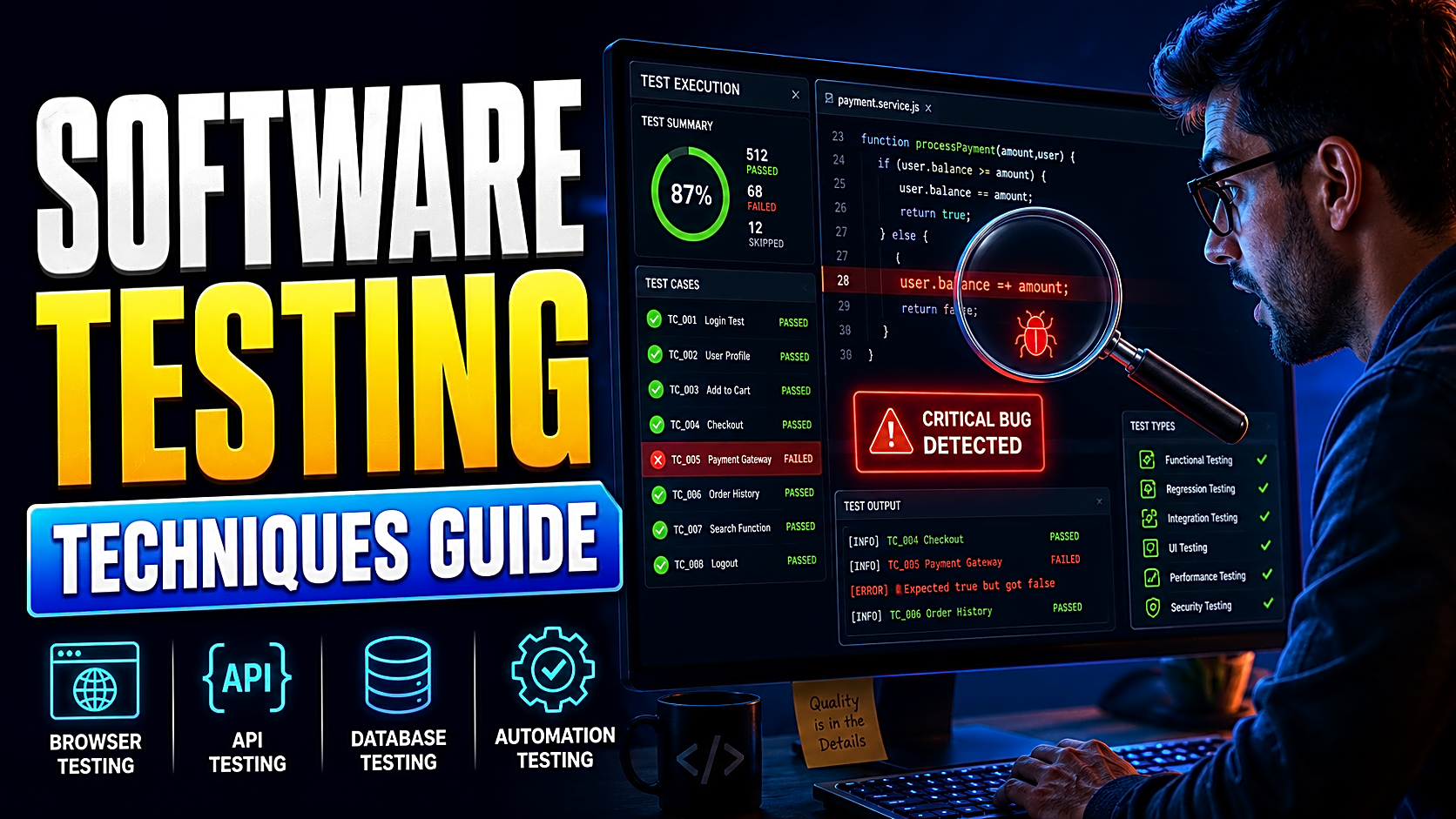
What Are Software Testing Techniques?
Software testing techniques are systematic ways to analyse what should be tested, design test cases, select test data, and measure coverage.
ISTQB classifies test-design techniques into three principal groups: black-box, white-box, and experience-based techniques. Static testing is performed without executing the software and complements these dynamic techniques.
A technique is not the same as a testing level, type, or execution method.
|
Concept |
Question Answered |
Examples |
|
Technique |
How should test cases be designed? |
Boundary value analysis, decision tables |
|
Level |
Which part of the system is being tested? |
Unit, integration, system, acceptance |
|
Type |
Which quality characteristic is evaluated? |
Functional, security, performance |
|
Execution method |
How is the test performed? |
Manual or automated |
For example, boundary value analysis can be used during system-level functional testing, and the resulting cases can be executed manually or automated with Playwright.
15 Practical Software Testing Techniques
1. Static Testing
Static testing finds defects without running the application. Review requirements, user stories, database schemas, UI designs, code, and test cases before execution begins.
Suppose a hostel-booking requirement allows cancellation but the database contains no cancellation status. A requirement or schema review can detect the omission before the complete workflow is coded.
2. Equivalence Partitioning
Equivalence partitioning divides data into groups expected to behave similarly. One representative value is tested from each valid and invalid partition.
For an age field accepting 18–60:
- Below 18: invalid
- 18–60: valid
- Above 60: invalid
- Blank or non-numeric: invalid
Representative tests might use 15, 35, 70, blank, and “twenty.”
3. Boundary Value Analysis
Defects frequently occur at limits and transition points. Boundary value analysis tests immediately below, at, and immediately above each boundary.
For 18–60, test 17, 18, 19, 59, 60, and 61.
Apply the same logic to password length, upload size, examination marks, product quantity, budget limits, and date ranges.
4. Decision-Table Testing
Use a decision table when several conditions determine one result.
|
Payment Confirmed |
Logged In |
File Available |
Expected Result |
|
Yes |
Yes |
Yes |
Permit download |
|
Yes |
No |
Yes |
Request login |
|
No |
Yes |
Yes |
Show payment pending |
|
Yes |
Yes |
No |
Show file unavailable |
Decision tables make business rules visible and reveal combinations that prose requirements often hide.
5. State-Transition Testing
Use state-transition testing when behaviour depends on the system’s current state.
An order may move from:
Pending → Confirmed → Processing → Shipped → Delivered
It may move from Pending to Cancelled, but it should not move directly from Delivered to Processing.
Test valid transitions, prohibited transitions, repeated actions, role restrictions, timestamps, and notifications.
A Library Management System offers another useful example: a book may be Available, Issued, Overdue, Returned, Lost, or Reserved. Each action should be valid only from permitted states.
6. Pairwise Testing
Pairwise testing is useful when several parameters create too many combinations for exhaustive testing. It selects cases so every pair of parameter values appears at least once.
A web application may vary by browser, device, user role, and payment method. Testing every combination can be expensive. A pairwise set covers interactions between each pair using substantially fewer cases.
7. Cause-Effect Graphing
Cause-effect graphing maps input conditions to outputs before converting the relationships into test cases.
For a download feature, the causes may be:
- Payment confirmed
- Account active
- File available
The effects may be:
- Download permitted
- Login required
- Access denied
This method is useful when Boolean rules are too complex for an informal checklist. Competitive test-design guides also include cause-effect graphing as a structured black-box technique.
8. Use-Case and Scenario Testing
Scenario testing follows a complete user goal.
An appointment-booking scenario may include registration, doctor selection, slot selection, confirmation, notification, appointment history, and cancellation.
This can expose integration defects that isolated field tests miss.
9. Statement Coverage
Statement coverage checks whether every executable statement has run at least once.
It can expose unexecuted code, but 100% statement coverage does not prove that every decision outcome or requirement is correct.
10. Branch Coverage
Branch coverage executes each outcome of every decision.
For if (paymentConfirmed), test both:
- paymentConfirmed = true
- paymentConfirmed = false
For role-based conditions, execute each relevant role rather than testing only the administrator path.
11. Condition Coverage
A decision may contain several conditions:
loggedIn && paymentConfirmed && fileExists
Condition coverage checks the true and false outcome of each individual condition.
12. Path Testing
Path testing evaluates execution paths through the code.
It works best for small, high-risk functions because the number of possible paths grows quickly when loops and decisions multiply.
13. Exploratory Testing
Exploratory testing combines learning, test design, and execution. Work with a focused charter rather than browsing randomly.
Example charter:
Explore registration for validation, duplicate-account, and session defects for 45 minutes.
Record the paths tested, data used, observations, defects, and unanswered questions.
14. Error Guessing
Error guessing uses knowledge of common failure patterns.
Try:
- Empty fields
- Duplicate records
- Negative values
- Special characters
- Expired sessions
- Double submissions
- Browser refresh after payment
- Incorrect file types
- Deleted database records
Error guessing becomes more reliable when it is based on historical defects rather than intuition alone.
15. Checklist-Based Testing
A reusable checklist prevents recurring omissions.
A login checklist may include required fields, invalid credentials, password masking, session creation, rate limiting, role redirection, logout, browser back-button behaviour, and unauthorized URL access.
Which Testing Technique Should You Use?
|
Requirement Pattern |
Recommended Technique |
Main Defect Target |
|
Large input range |
Equivalence partitioning and boundaries |
Missing validation and edge failures |
|
Multiple business rules |
Decision table or cause-effect graph |
Incorrect condition combinations |
|
Status-based workflow |
State transition |
Illegal or missing transitions |
|
Many configurations |
Pairwise |
Parameter interactions |
|
End-to-end user goal |
Scenario testing |
Integration and workflow defects |
|
Internal code logic |
Branch, condition, or path coverage |
Untested implementation logic |
|
Incomplete specification |
Exploratory testing |
Unknown risks |
|
Repeated historical failures |
Error guessing or checklists |
Recurring defect patterns |
Use several techniques together. No single technique provides complete confidence.
Worked Example: Testing a Daily Expense Tracker Budget
Assume the requirement says:
A logged-in user can set a monthly budget from ₹1 to ₹100,000 and may edit only their own budget.
Start with equivalence partitions:
- Values below ₹1
- Values from ₹1–₹100,000
- Values above ₹100,000
- Blank input
- Non-numeric input
Then test the boundaries:
₹0, ₹1, ₹2, ₹99,999, ₹100,000, and ₹100,001
Next, create a decision table using three conditions:
- The user is logged in.
- The amount is valid.
- The budget belongs to that user.
Only the combination in which all three conditions are true should permit an update.
Finally, add exploratory cases:
- Submit the form twice.
- Refresh while the budget is saving.
- Attempt to edit through a copied URL.
- Change the user ID in the request.
- Edit the same budget in two browser tabs.
This workflow converts one requirement into measurable test data, authorization checks, and negative cases.
FileMakr’s Daily Expense Tracker project includes testing documentation and can provide a realistic module for practising this process.
Manual Testing, Automation, and Useful Tools
Manual testing is appropriate when human judgement matters, the feature is new, or the objective is exploration, usability, or visual evaluation.
Automation is valuable for stable, repeatable, high-risk checks that must run frequently.
Common choices include:
- Selenium or Playwright for browser testing
- Postman for API requests and assertions
- JMeter for concurrent-load scenarios
- JUnit or pytest for developer-side tests
- OWASP’s Web Security Testing Guide for structured web-security checks
These capabilities are documented by the tools’ official projects.
Automation executes a test efficiently. It does not choose the correct test technique for you.
Design the cases first, then automate those that provide repeatable value.
Advanced Testing Insights
Prioritize by risk. Authentication, payments, permissions, calculations, database updates, and third-party integrations deserve more attention than low-impact presentation details.
Maintain traceability. Connect each requirement to its test conditions, cases, results, and defects so missing coverage becomes visible.
Interpret coverage carefully. A high code-coverage percentage shows which program structures ran. It does not prove that the assertions were strong or that the requirements were complete.
Use advanced methods selectively. Model-based testing can derive cases from formal behavioural models. Orthogonal arrays can control configuration combinations, while mutation testing evaluates whether a suite can detect deliberately introduced code changes.
Use AI as an assistant, not as evidence. AI can draft cases and identify possible edge conditions, but every result still requires requirement review and actual execution.
Frequently Asked Questions
What are the main software testing techniques?
The principal test-design categories are black-box, white-box, and experience-based techniques. Static testing complements them by finding defects without running the software.
Which software testing technique is best?
The best technique depends on the requirement and risk. Use boundaries for limits, decision tables for rule combinations, state transitions for workflows, and exploratory testing for uncertain areas.
What is the difference between a testing type and a testing technique?
A testing type describes the quality being evaluated, such as security or performance. A technique describes how test cases are derived.
What is pairwise testing?
Pairwise testing selects a reduced set of configurations so every pair of parameter values is covered at least once.
Which test cases should be automated?
Automate stable, repeatable, high-value cases with objective expected results, especially unit, API, and regression tests.
Can software be tested completely?
Exhaustive testing is generally impractical for non-trivial systems. Testing techniques provide systematic, representative, and risk-focused coverage.
Which techniques are useful for final-year projects?
Start with equivalence partitioning, boundary analysis, decision tables, state transitions, scenario testing, and exploratory testing. Add branch coverage when you can inspect the code.
Students can also practise these methods on working project demonstrations or browse final-year project ideas containing realistic modules and workflows.
What is the difference between testing and debugging?
Testing reveals a difference between expected and actual behaviour. Debugging identifies the cause, corrects it, and verifies that the defect does not return.
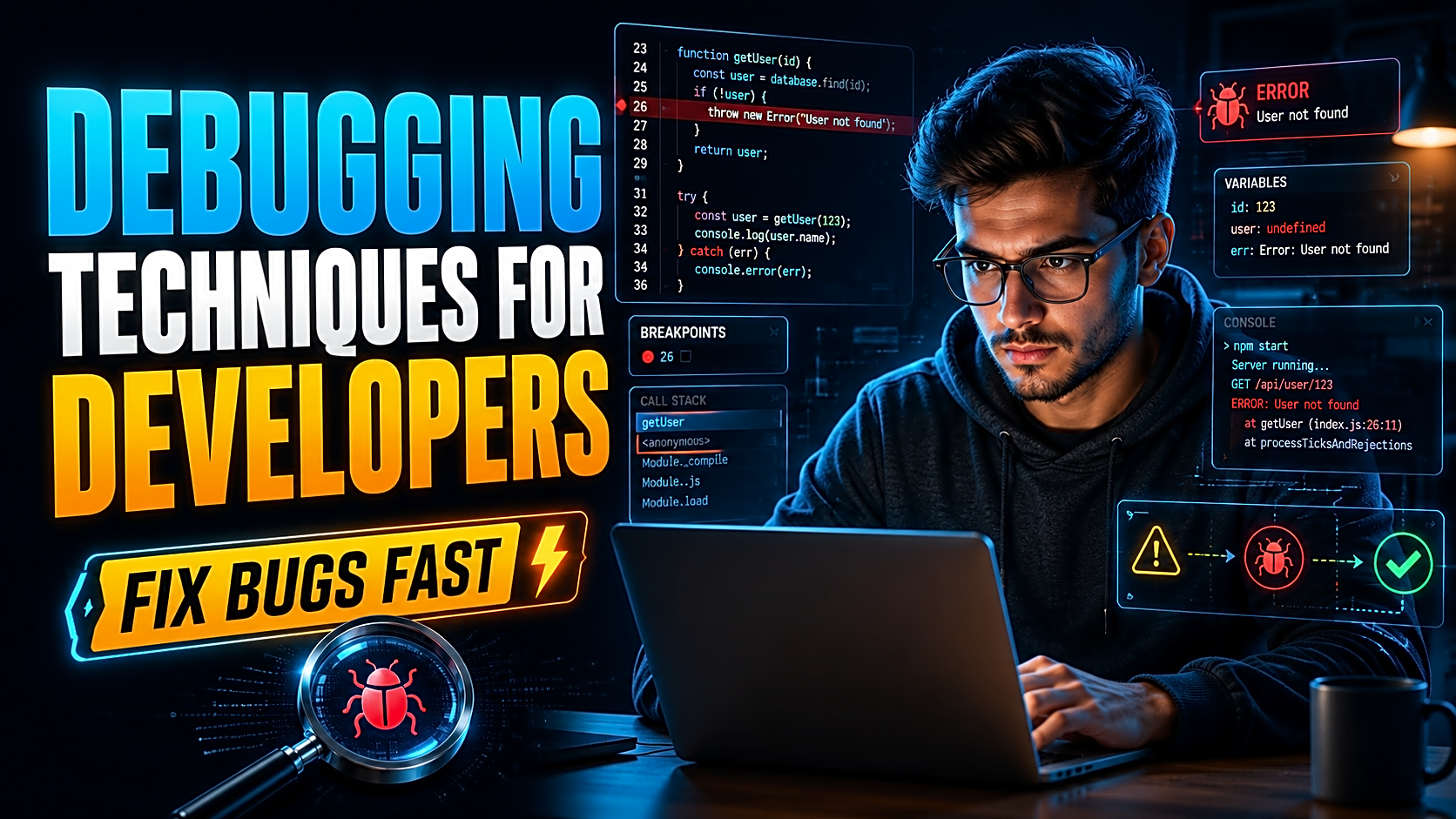
FileMakr’s guide to debugging techniques for developers explains reproduction, logs, breakpoints, and regression verification in more detail.
Conclusion
Strong software testing begins with deliberate test design.
Use equivalence partitions to reduce large input spaces, boundary analysis to challenge limits, decision tables to verify business rules, state transitions to validate workflows, pairwise testing to control combinations, and white-box techniques to examine internal logic.
Then strengthen the suite with exploratory testing, risk-based prioritization, traceability, and selective automation.
The best test suite is not the largest. It is the one that provides the clearest evidence that the software is correct, sufficiently secure for its intended use, and ready for its users.